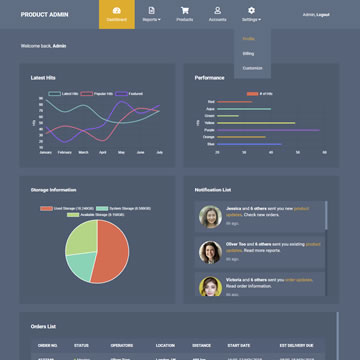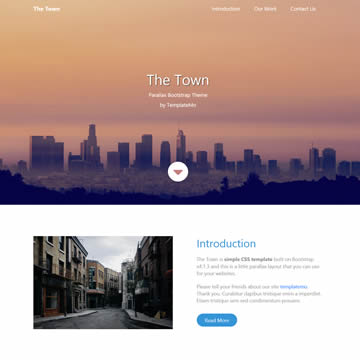
Free Admin Dashboard HTML Template Multi Page is a free, fully responsive HTML/CSS template available for download at no cost. It is suitable for personal projects, freelancers, and commercial use alike.
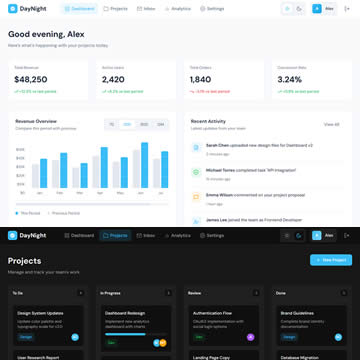
DayNight Admin is a clean, flat dashboard template featuring dual theme modes – Snow Edition (light) and Carbon Edition (dark). Built with pure HTML, CSS, and vanilla JavaScript, this template requires no external dependencies for its charts and interactive elements.
The template includes 6 fully-designed pages: Dashboard with revenue charts and activity feed, Projects with a draggable Kanban board, Inbox with split-pane message view, Analytics with traffic comparison and source breakdown, Settings with organized preference panels, and a Login page. Theme preferences persist via localStorage with zero white-flash on page navigation.
Designed to be AI-customizable, you can easily modify colors, layouts, and content by uploading the files to AI tools like Claude. The responsive design adapts seamlessly from desktop to mobile with a slide-out navigation menu. Typography uses DM Sans from Google Fonts, paired with an Ice Blue accent color that works beautifully in both light and dark modes. Perfect for admin panels, SaaS dashboards, or as a starter template for your web application projects.
Template Features
- Admin
- Dashboard
- Dark Theme
- Multi Page
- Free for Personal & Commercial Use
- Fully Responsive Design
- Cross-Browser Compatible
- Clean & Well-Structured Code
Template Details
| Template Name | Free Admin Dashboard HTML Template Multi Page |
| Platform | HTML/CSS |
| License | Free — Personal & Commercial Use |
| Total Downloads | 3,428+ |
| Views | 14,167 |
| Date Added | 06 January 2026 |
| Source | TemplateMo |
Live Preview & Free Download
Click the Live Demo button to preview the template before downloading. The download is completely free — no sign-up required.
How to Use This Template
- Click the Free Download button above.
- Extract the ZIP file to your project folder.
- Open
index.htmlin your browser or code editor. - Customize the content, colors, and images to match your brand.
- Upload to your web hosting and go live.