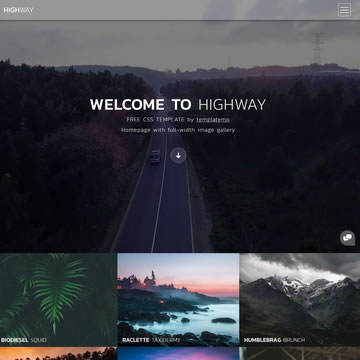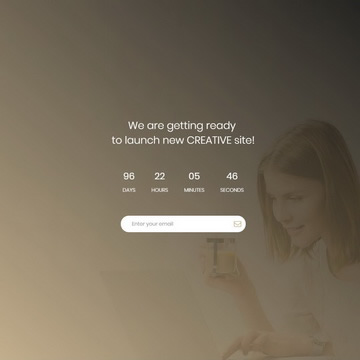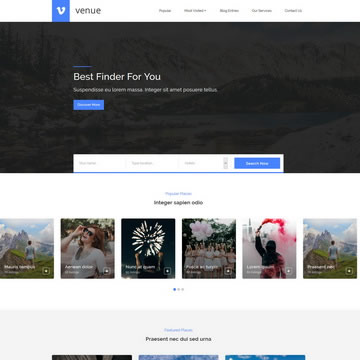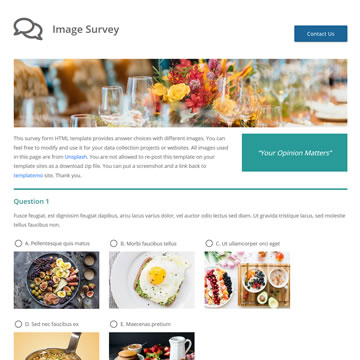
Free Portfolio HTML Template is a free, fully responsive HTML/CSS template available for download at no cost. It is suitable for personal projects, freelancers, and commercial use alike.
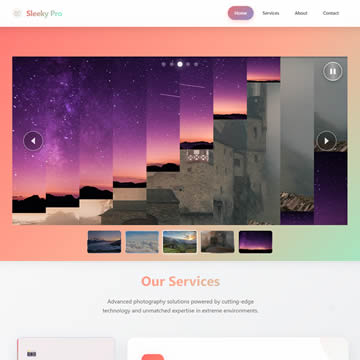
Sleeky Pro is a stunning HTML5 template designed for photographers and creative agencies who want to showcase their work with maximum visual impact. The template features an innovative slicing slider where images transition through 10 vertical slices that rotate with a cascading delay effect, creating smooth wave-like animations.
Built with pure HTML, CSS3, and vanilla JavaScript (no dependencies), it includes everything needed for a professional portfolio: interactive service tabs, animated timeline, statistics counters, modern glassmorphism effects, and a vibrant coral-to-aquamarine gradient color scheme.
This fully responsive template adapts seamlessly from desktop to mobile devices, featuring smooth animations, touch-friendly controls, and a hamburger menu for mobile navigation. Perfect for photography portfolios, adventure tour companies, or environmental organizations, Sleeky Pro delivers a premium user experience while remaining lightweight and easy to customize. The clean code structure and organized CSS make it simple to modify colors, content, and styling to match any brand.
Template Features
- Photography
- Portfolio
- Glassmorphism
- Free for Personal & Commercial Use
- Fully Responsive Design
- Cross-Browser Compatible
- Clean & Well-Structured Code
Template Details
| Template Name | Free Portfolio HTML Template |
| Platform | HTML/CSS |
| License | Free — Personal & Commercial Use |
| Total Downloads | 5,996+ |
| Views | 34,227 |
| Date Added | 14 September 2025 |
| Source | TemplateMo |
Live Preview & Free Download
Click the Live Demo button to preview the template before downloading. The download is completely free — no sign-up required.
How to Use This Template
- Click the Free Download button above.
- Extract the ZIP file to your project folder.
- Open
index.htmlin your browser or code editor. - Customize the content, colors, and images to match your brand.
- Upload to your web hosting and go live.