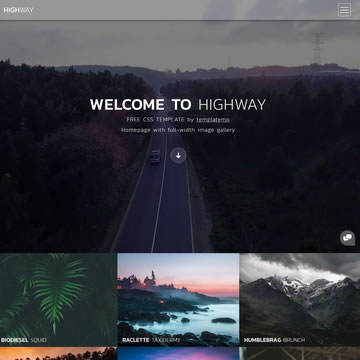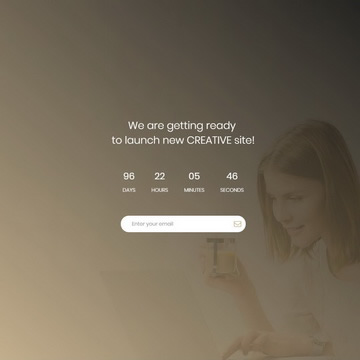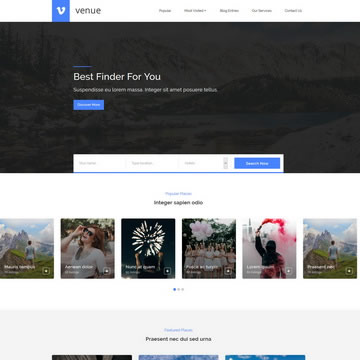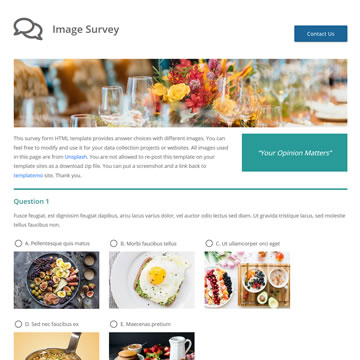
Free Portfolio HTML Template Dark Theme is a free, fully responsive HTML/CSS template available for download at no cost. It is suitable for personal projects, freelancers, and commercial use alike.
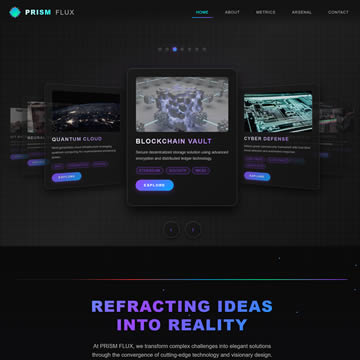
PRISM FLUX is a cutting-edge dark-themed HTML template defined by a high-tech carbon fiber aesthetic and prismatic color accents (purple, blue, green, cyan). Its immediate focal point is an innovative 3D carousel (coverflow) system that continuously rotates portfolio items with fluid, mesmerizing animations, ensuring maximum visitor attention and embodying the concept of refracting ideas.
This template is meticulously built for performance and responsive design, adapting seamlessly across all devices with touch-friendly controls. It includes five distinct, fully-designed sections, such as an About section with floating particle effects, animated performance metrics, and a hexagonal skills grid. Every interaction uses smooth transitions and micro-animations to enhance user engagement without overwhelming the visitor.
PRISM FLUX is ideal for tech professionals, digital agencies, and startups seeking to make a bold, modern statement with their web presence. The clean, well-commented code allows for straightforward customization, utilizing CSS variables for quick theme adjustments, delivering a premium dark theme solution ready to transform your portfolio.
Template Features
- Dark Theme
- Black
- Agency
- Business
- Portfolio
- Free for Personal & Commercial Use
- Fully Responsive Design
- Cross-Browser Compatible
- Clean & Well-Structured Code
Template Details
| Template Name | Free Portfolio HTML Template Dark Theme |
| Platform | HTML/CSS |
| License | Free — Personal & Commercial Use |
| Total Downloads | 8,630+ |
| Views | 32,560 |
| Date Added | 21 October 2025 |
| Source | TemplateMo |
Live Preview & Free Download
Click the Live Demo button to preview the template before downloading. The download is completely free — no sign-up required.
How to Use This Template
- Click the Free Download button above.
- Extract the ZIP file to your project folder.
- Open
index.htmlin your browser or code editor. - Customize the content, colors, and images to match your brand.
- Upload to your web hosting and go live.