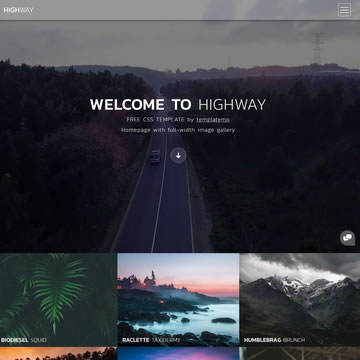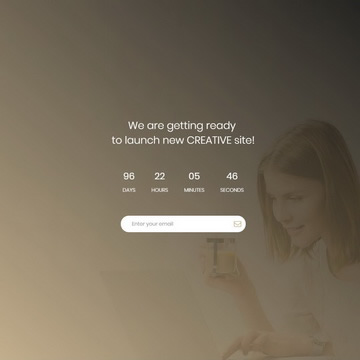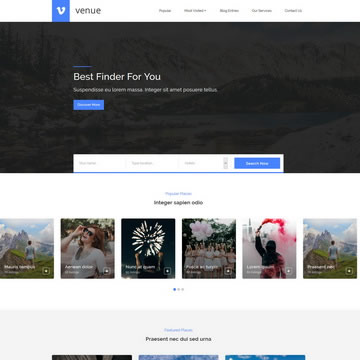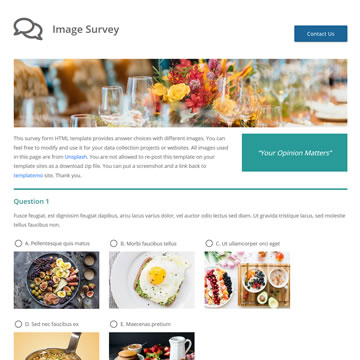
Free Portfolio HTML Template with Image Gallery is a free, fully responsive HTML/CSS template available for download at no cost. It is suitable for personal projects, freelancers, and commercial use alike.
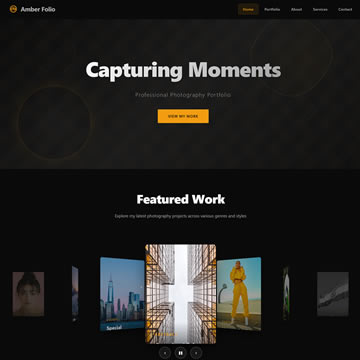
Amber Folio is a sleek, dark-themed photography portfolio template built with pure HTML5, CSS3, and vanilla JavaScript. Its centerpiece is an interactive 3D coverflow gallery featuring perspective transforms, smooth rotateY animations, and a subtle reflection effect beneath each card. The gallery supports keyboard navigation, touch swipe gestures, and an autoplay toggle, making it fully functional across desktop and mobile devices. The hero section sets the mood with animated morphing geometric shapes and floating accent elements over a deep black background, while the warm amber accent color gives the template a luxurious, editorial feel.
The template includes five fully designed sections: hero, portfolio, about with animated stat counters, services with SVG icons and pricing, and a contact form with social links. Scroll-triggered reveal animations bring each section to life as visitors navigate the page. The responsive layout adapts from widescreen monitors down to mobile with a hamburger menu featuring smooth open/close transitions. Amber Folio is ideal for photographers, creative agencies, and visual artists who want a bold, modern portfolio that puts their work front and center.
Template Features
- One Page
- Portfolio
- Photography
- Dark Theme
- Gallery
- Free for Personal & Commercial Use
- Fully Responsive Design
- Cross-Browser Compatible
- Clean & Well-Structured Code
Template Details
| Template Name | Free Portfolio HTML Template with Image Gallery |
| Platform | HTML/CSS |
| License | Free — Personal & Commercial Use |
| Total Downloads | 125+ |
| Views | 681 |
| Date Added | 30 March 2026 |
| Source | TemplateMo |
Live Preview & Free Download
Click the Live Demo button to preview the template before downloading. The download is completely free — no sign-up required.
How to Use This Template
- Click the Free Download button above.
- Extract the ZIP file to your project folder.
- Open
index.htmlin your browser or code editor. - Customize the content, colors, and images to match your brand.
- Upload to your web hosting and go live.