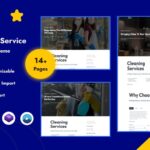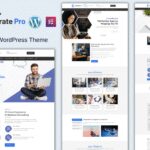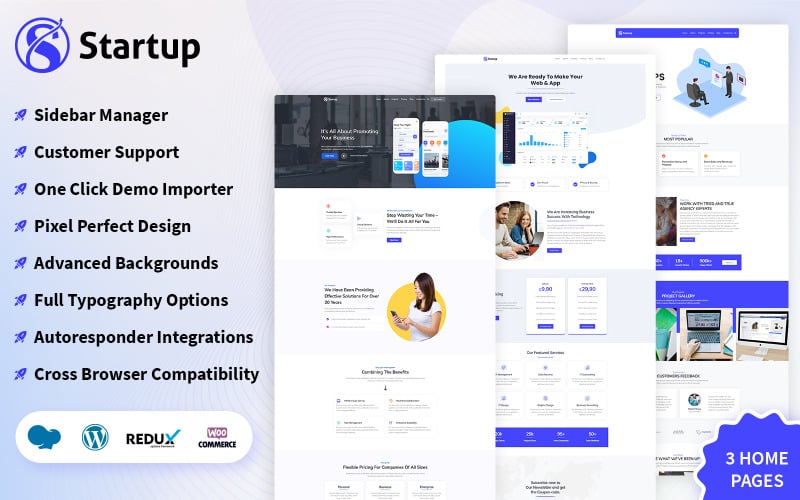
When your website is the first thing potential clients see, the design needs to make an immediate impact. Fresh Startup Business WordPress Theme is a WordPress Theme built precisely for that — combining visual quality with the technical performance that modern websites demand.
About This Template
Fresh Startup Business WordPress Theme is a powerful business WordPress theme perfect for corporate, consulting, and multi-purpose websites.DOWNLOAD NOWSUBSCRIBE…
Key Features
- Fully responsive design — works flawlessly across desktop, tablet, and mobile devices
- Clean, semantic WordPress code — easy to read, maintain, and extend
- Cross-browser compatible — tested in Chrome, Firefox, Safari, and Edge
- Fast loading performance — optimized images and minified assets for quick page loads
- SEO-friendly structure — semantic HTML, proper heading hierarchy, and clean markup
- Easy customization — well-organized files and clear documentation
- Modern UI components — buttons, cards, forms, and navigation all included
- Free to download and use — no hidden fees or subscriptions
Who Is This Template For?
This WordPress Theme is ideal for corporate websites, company landing pages, B2B service pages — and anyone who needs a reliable, professional website without starting from scratch. Whether you’re a developer looking for a solid foundation or a business owner who wants to launch quickly, this template is built for you.
Technical Details
- Technology: Built with WordPress following current best practices
- Responsive framework: Mobile-first grid system adapts to any screen size
- Performance: Optimized for Core Web Vitals — LCP, FID, and CLS
- Compatibility: Works with all modern browsers; IE11 compatible where noted
- Included files: Source files, documentation, and all required assets
How to Get Started
- Click the download button to get the template files
- Unzip the package and open the project in your preferred code editor
- Replace the placeholder content with your own text, images, and brand colors
- Upload to your web host and go live — it’s that straightforward
For questions about customization or usage, browse our template guides and tutorials. We publish practical how-to content for both beginners and experienced developers regularly.